Scoring -- Accessing Pairings for a Dual Meet
Follow
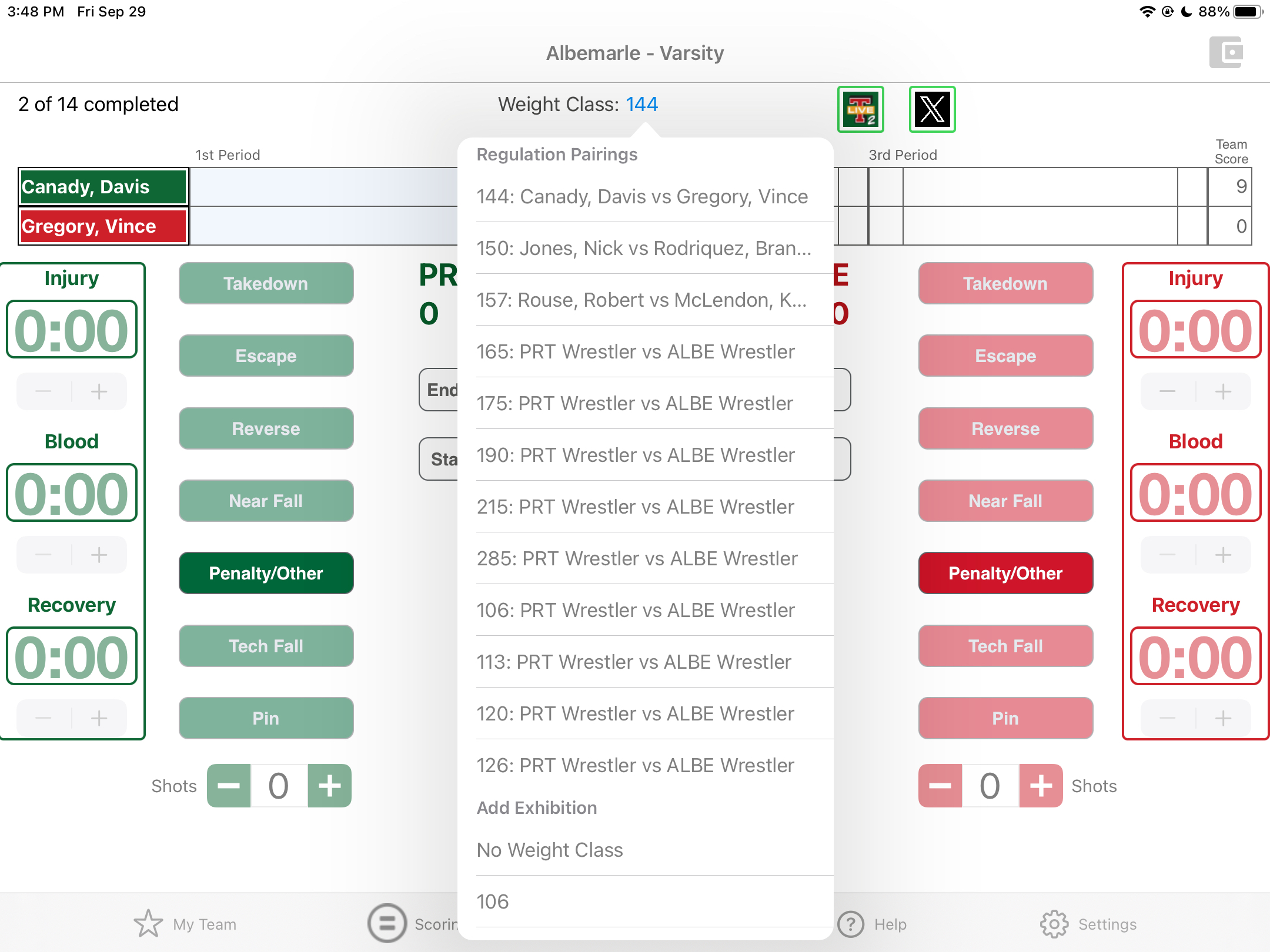
- In Scoring, top center below the Event name
- The next weight class to score is displayed to the right of "Weight Class: "
- To select a different weight class to score:
- Tap the blue text to the right of "Weight Class: "
- Tap the matchup of interest to load that information into Scoring
- If you need to add an exhibition match, scroll down to Add Exhibition
- Tap anywhere off of the table to return to the Scoring interface
Comments
0 comments
Article is closed for comments.